Before the event
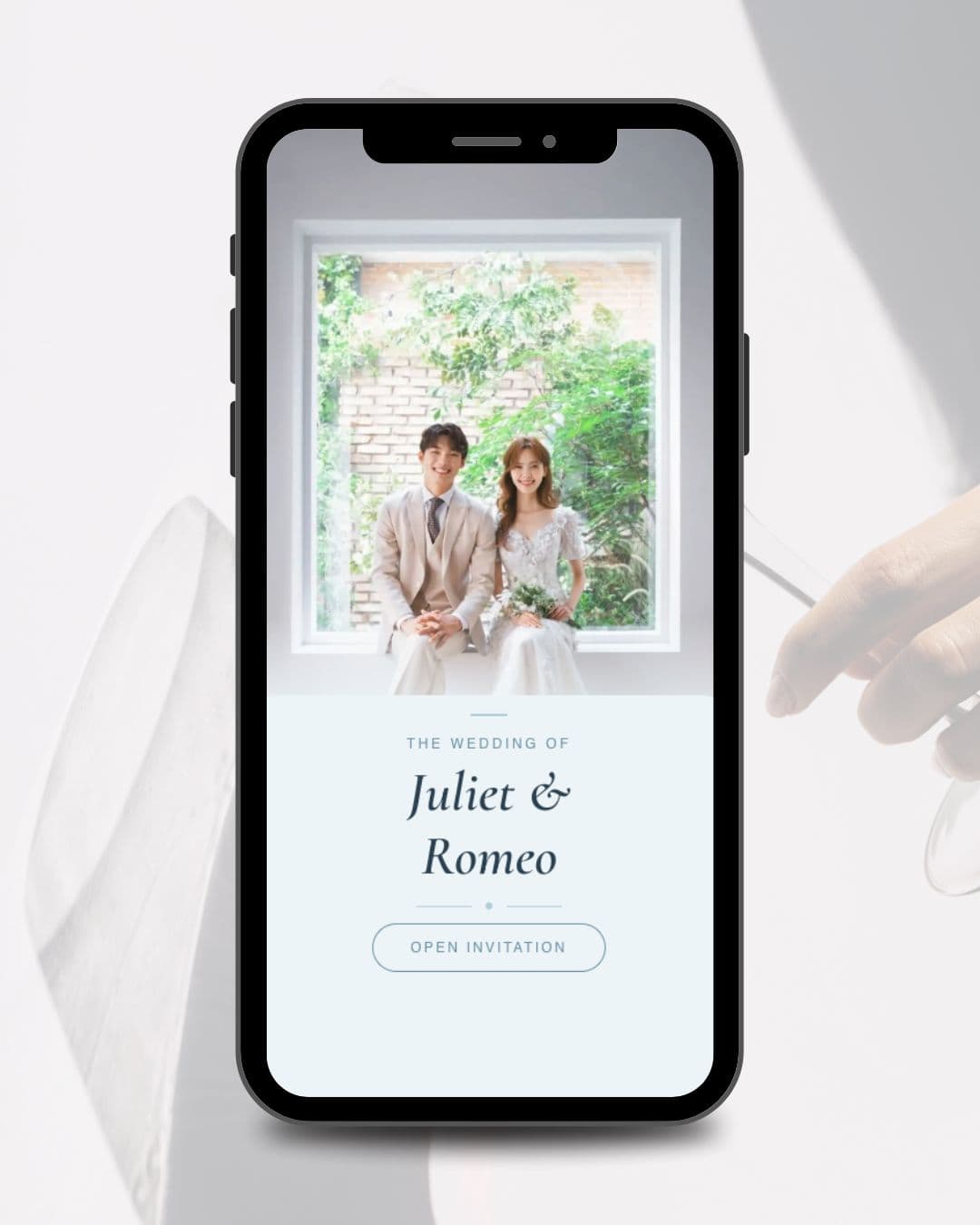
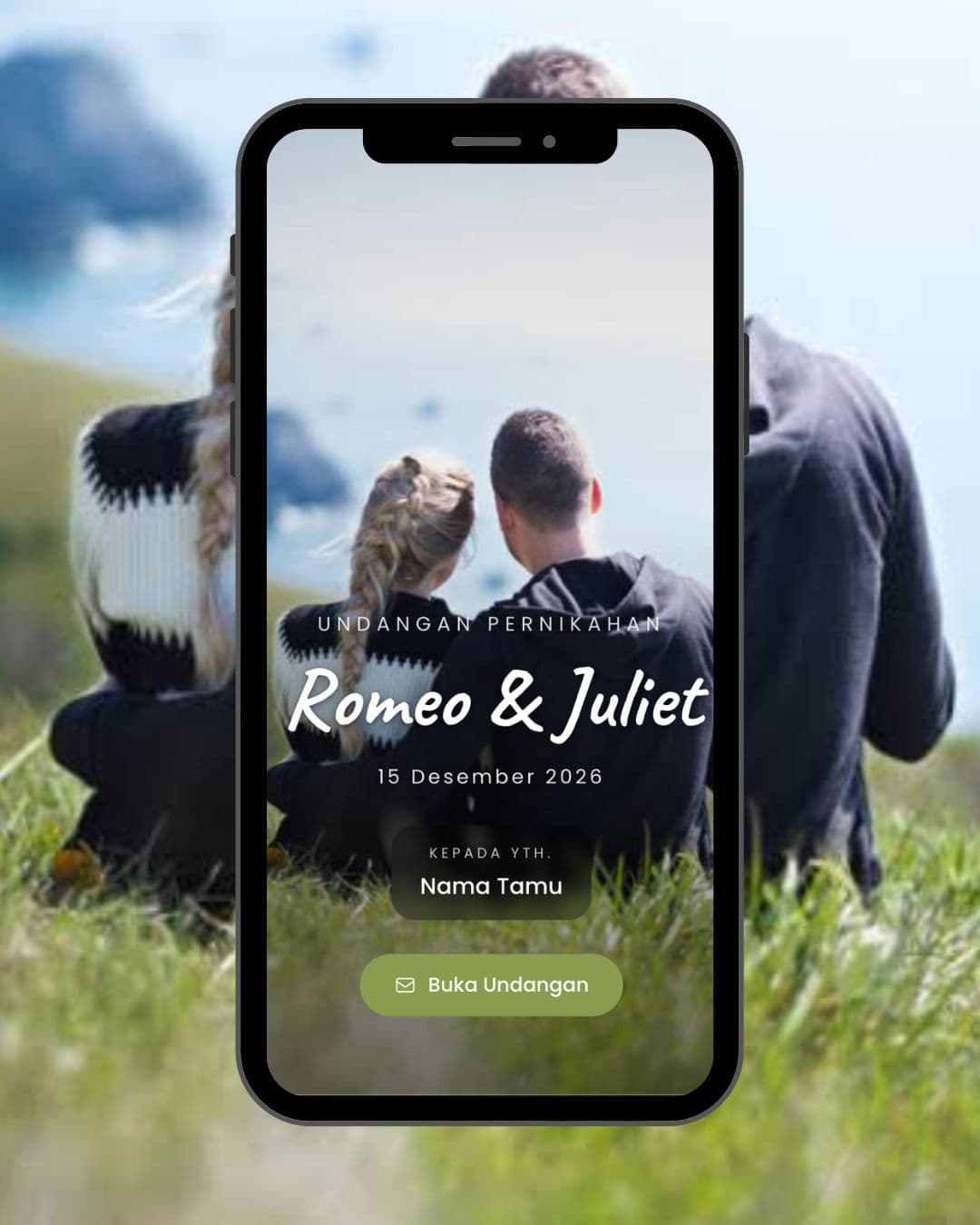
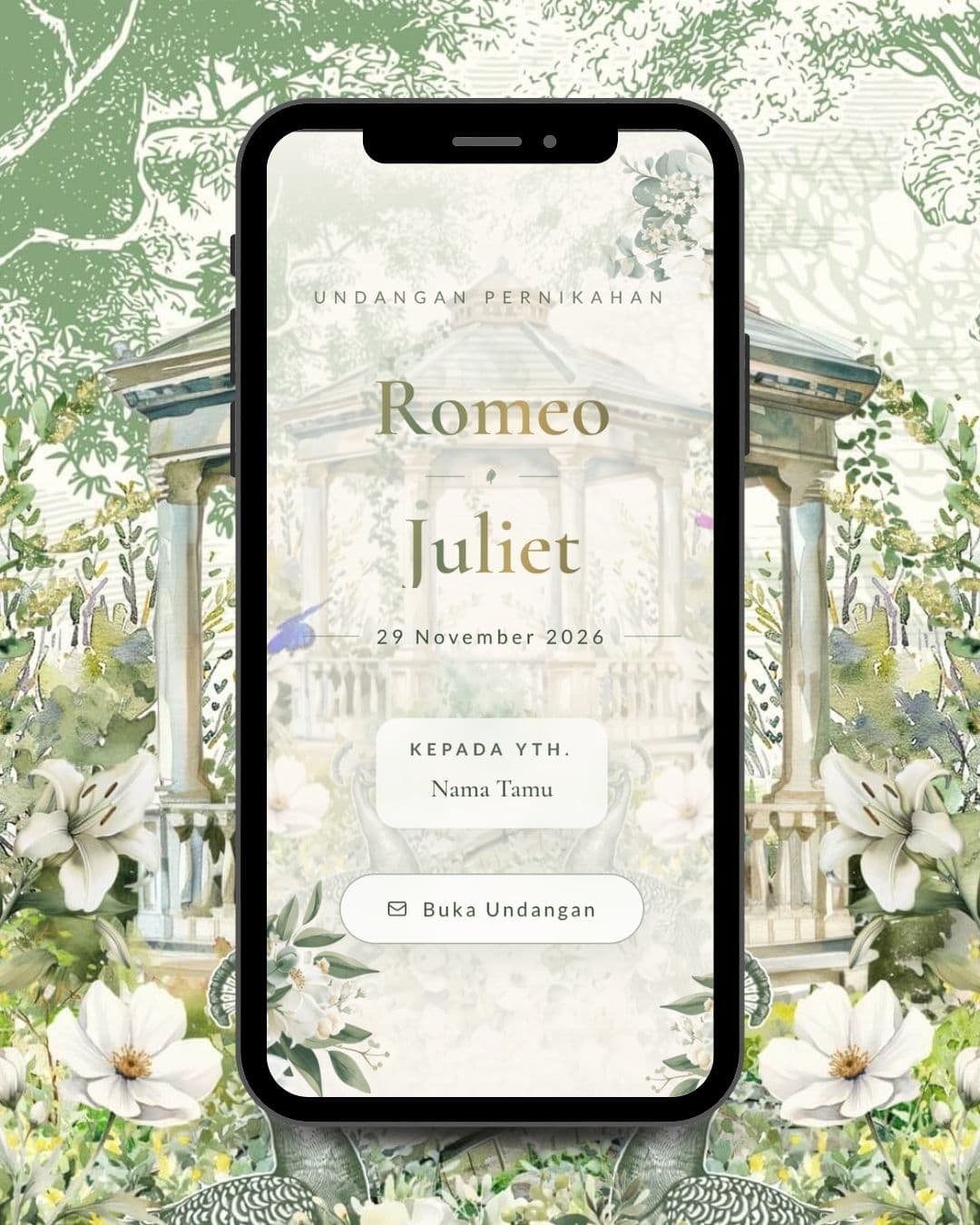
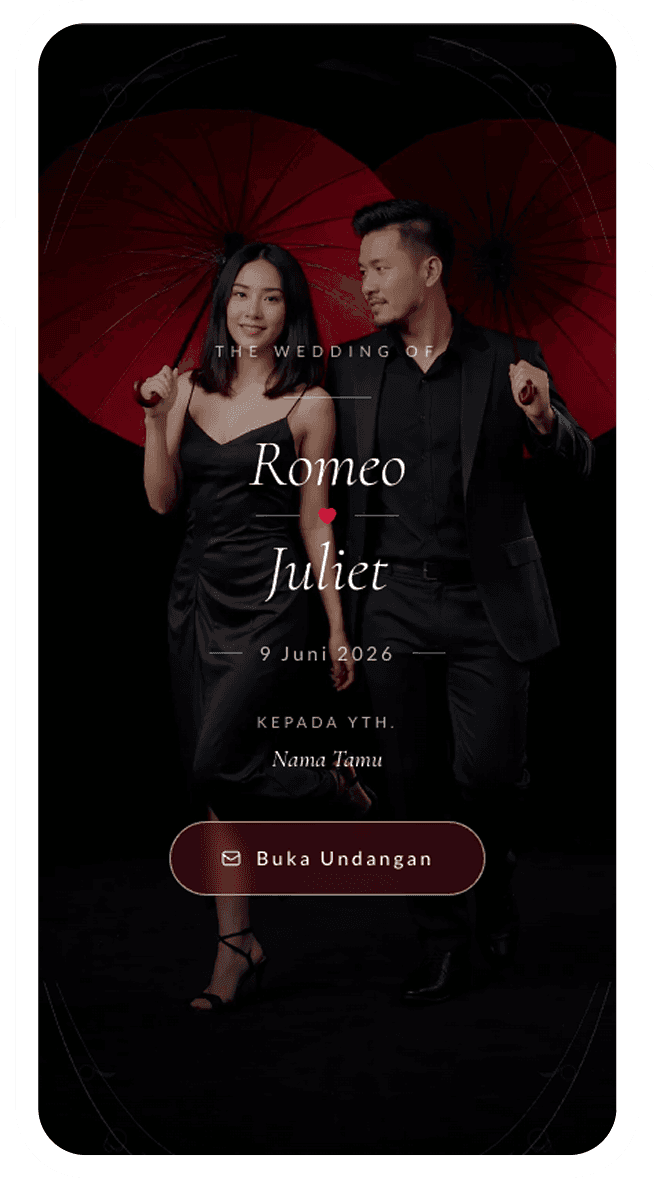
Digital Invitation
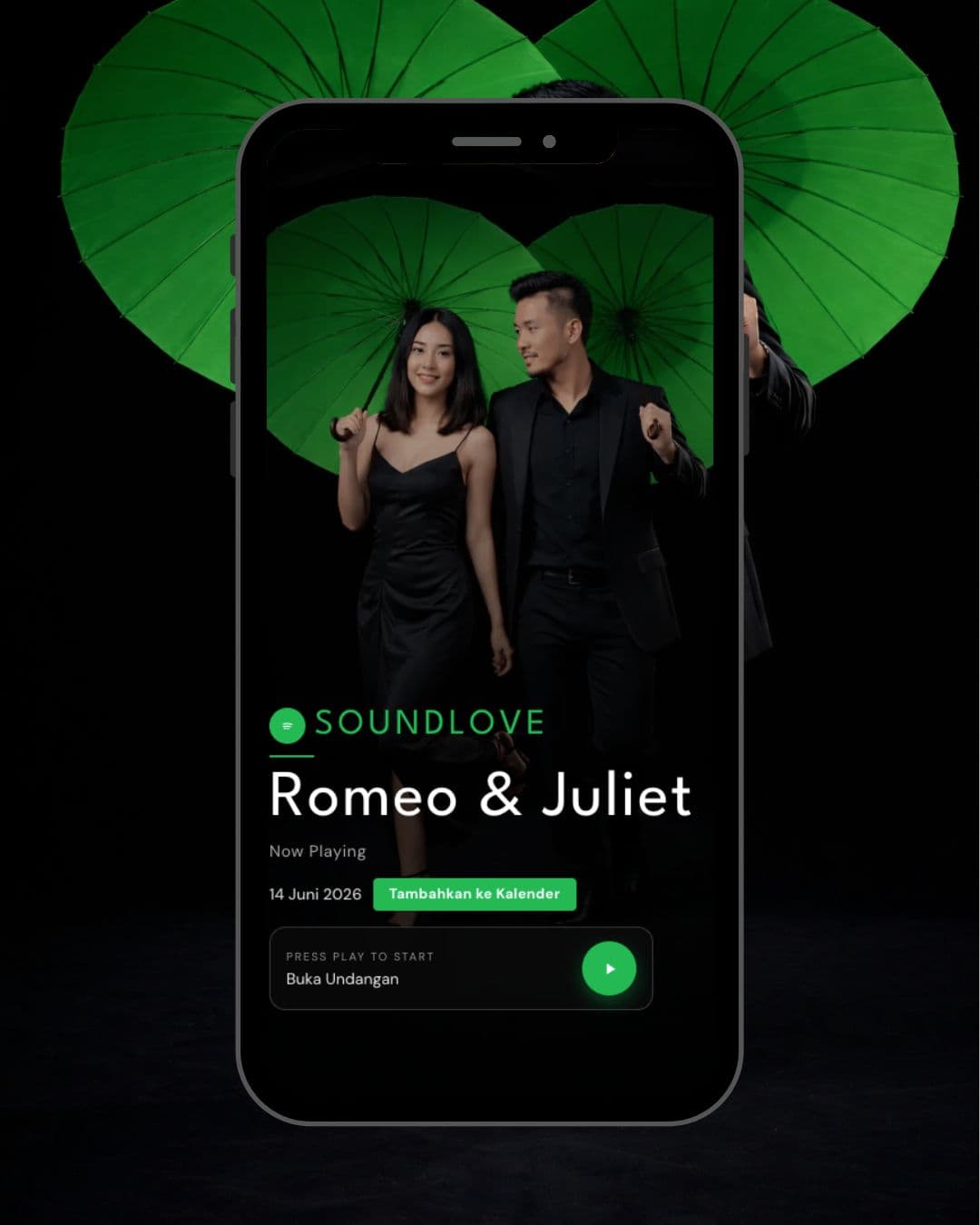
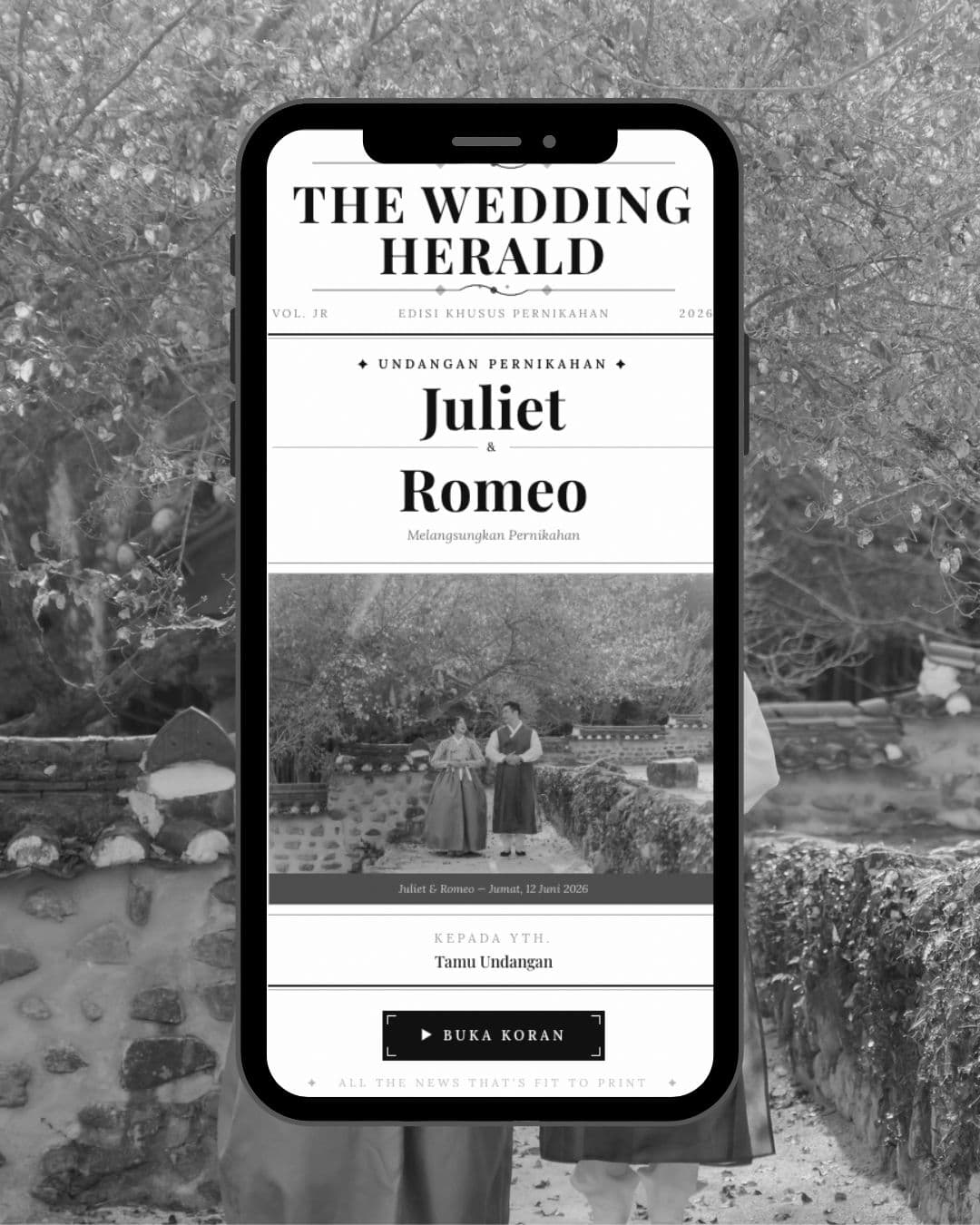
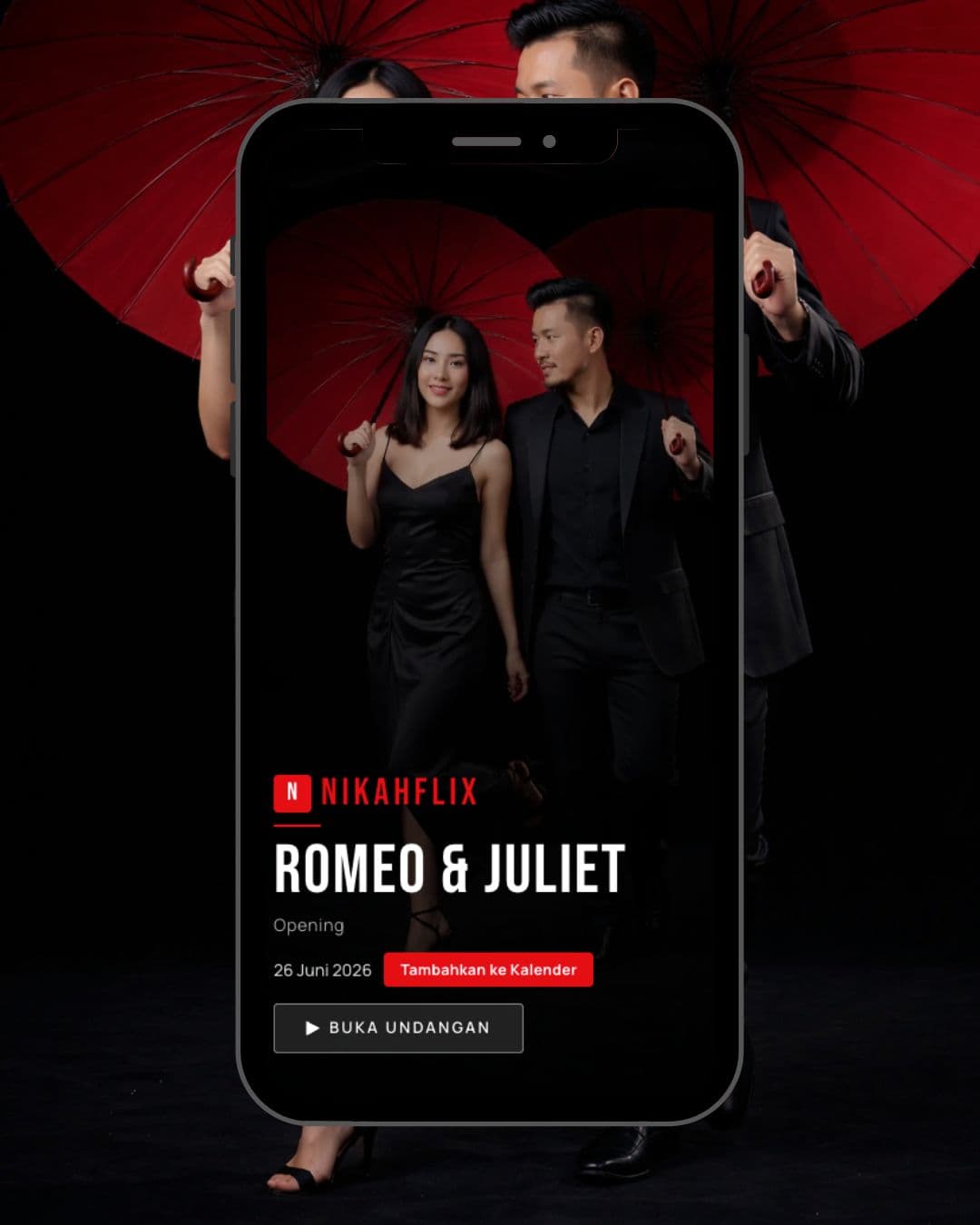
An invitation website with each guest's name in their link, sent on WhatsApp.
- RSVP
- Guest wishes
- Photo gallery
- Music
- Countdown
- Digital gift
- Voice wishes (add-on)
Choose a theme, fill in your event details in the dashboard, then send each guest a personal invitation on WhatsApp. Add the Guest Book, and on the day your guests check in with the QR code from their invitation.
Themes start at Rp 60,000.
Use the invitation on its own, or add the Guest Book for the day itself. Both share one guest list, so the QR code in each invitation is what guests use to check in.
Before the event
An invitation website with each guest's name in their link, sent on WhatsApp.
On the day
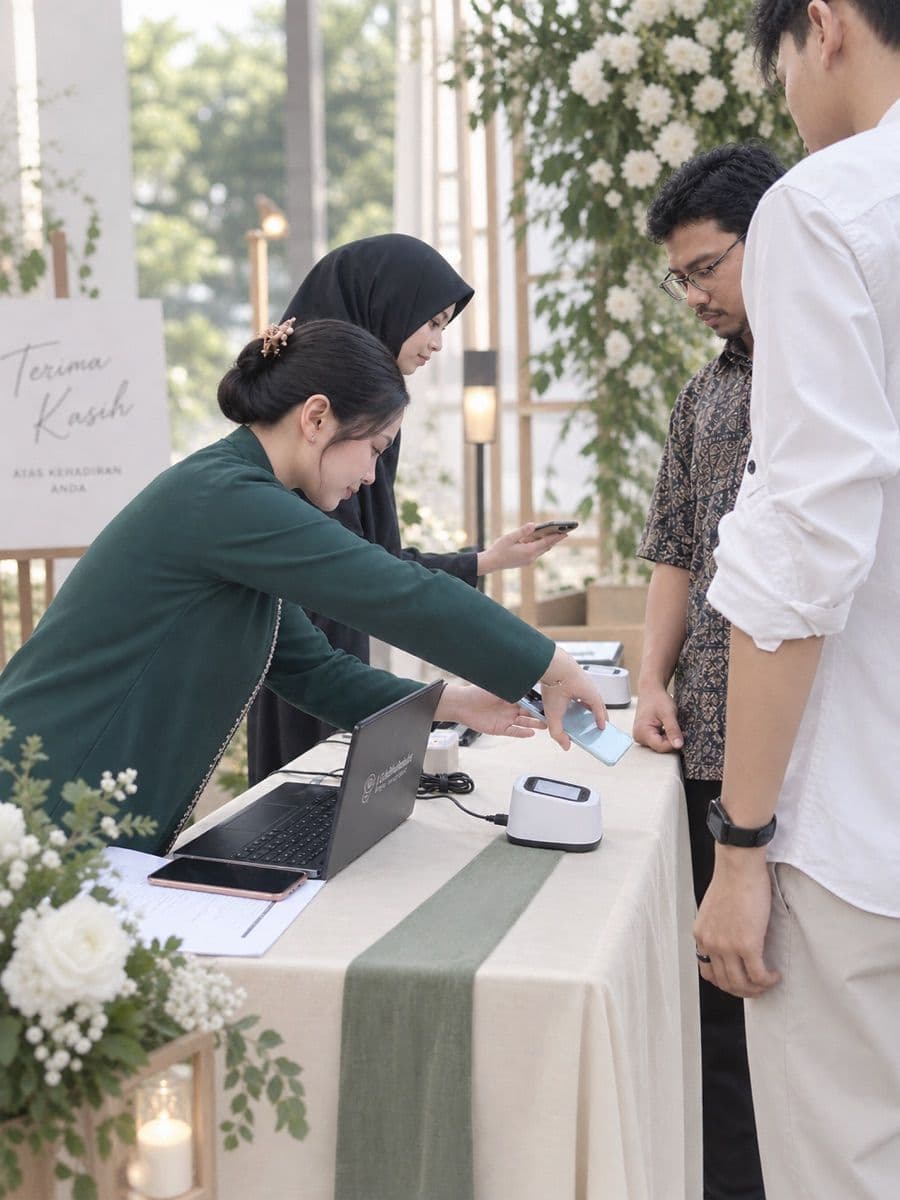
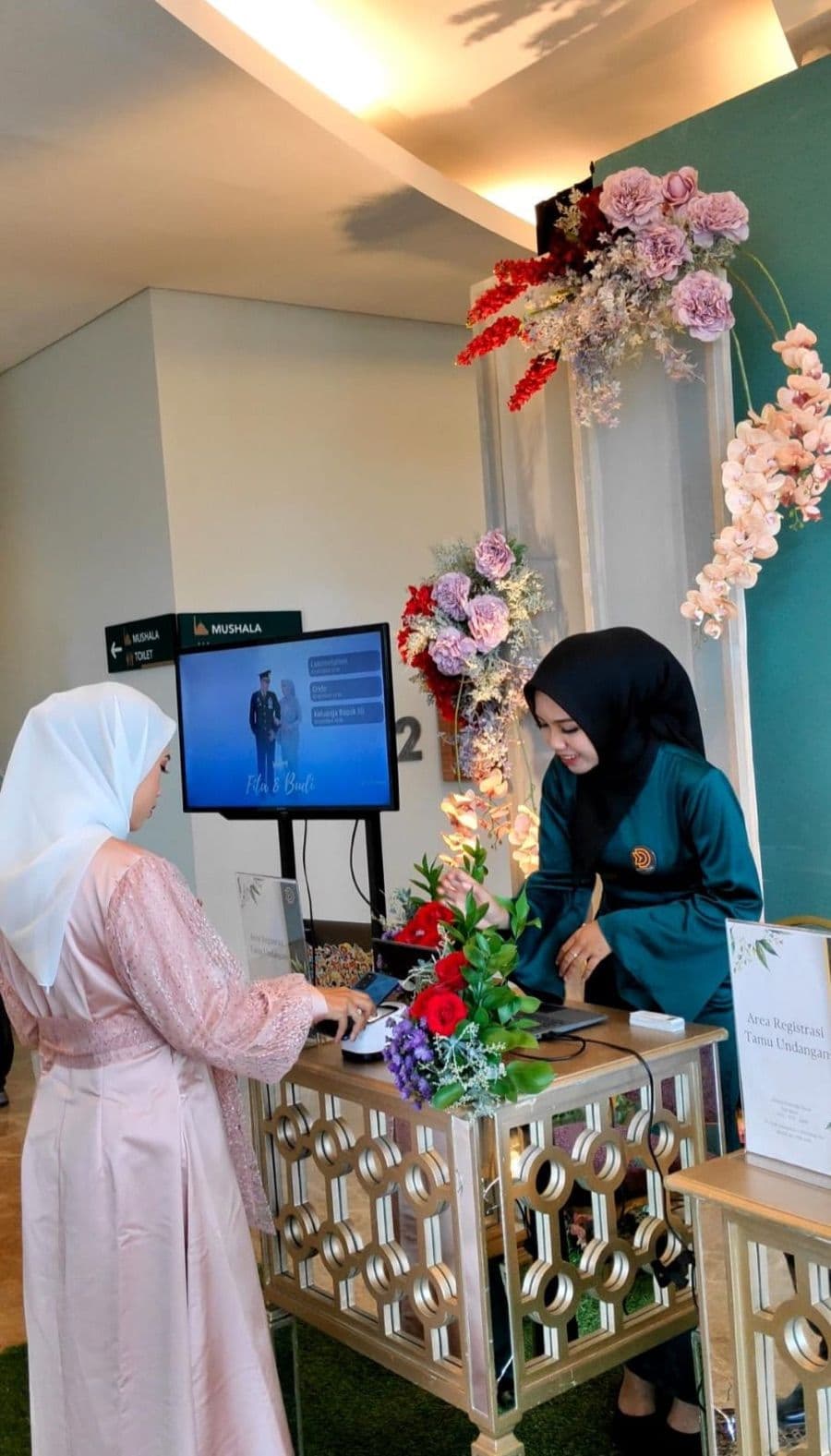
Guests show the QR code from their invitation, your staff scan it, and their arrival is recorded in the dashboard right away.
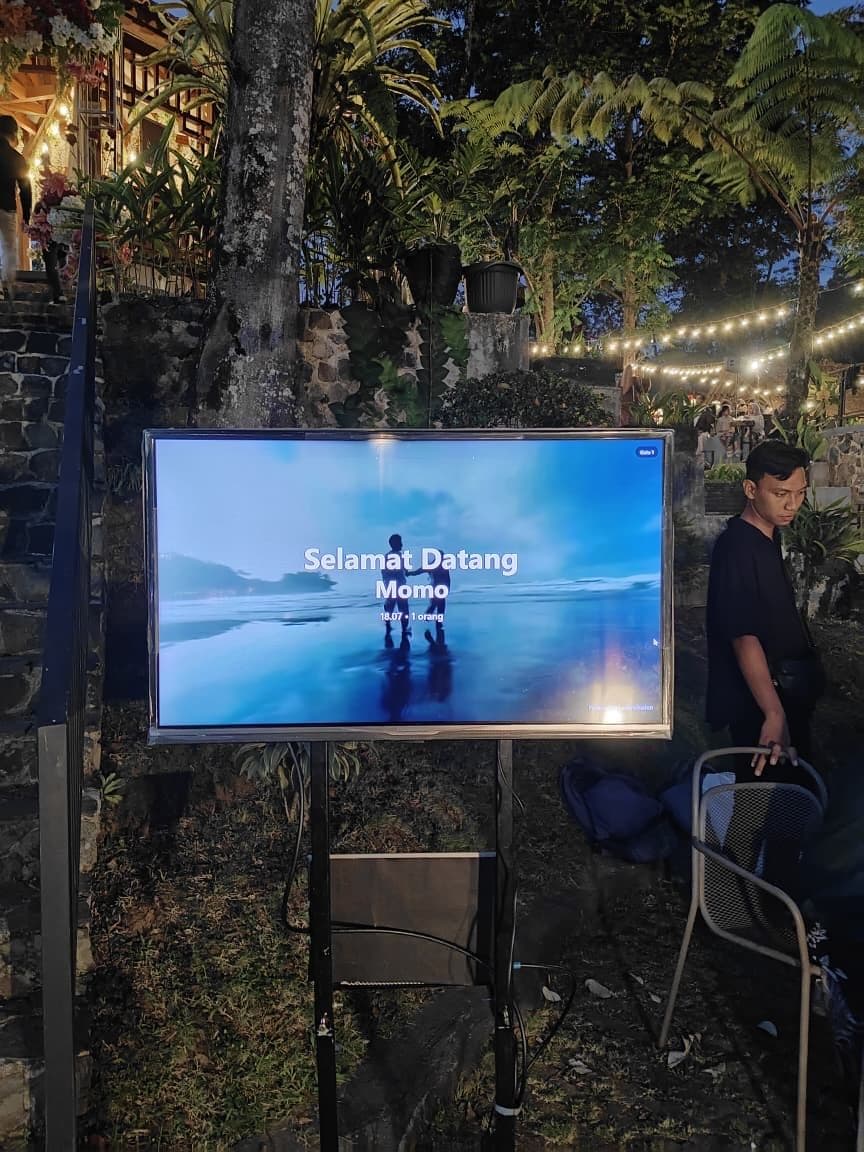
Each guest's name appears on a screen as they check in, over an image or video background of your choice.
Each guest is photographed at check-in, and you can download the photos after the event.
Each guest gets a QR code in their invitation. Your staff scan it with a phone or laptop, and the arrival is recorded in the dashboard right away. Available as an add-on.
Besides writing their wishes, guests can record a voice note right from the invitation. Available as an add-on.
Change how the theme looks in the editor without touching any code, then check the preview before you share the invitation.
Before the event
Add your guests in the dashboard, then send each of them an invitation link with their name on WhatsApp.
Before the event
Guests fill in the RSVP with how many people are coming. With the QR check-in add-on, their personal QR code appears in the invitation.
On the day
Your staff scan the QR code with a phone or laptop. With the welcome screen, the guest's name appears on screen right away.
After the event
Wishes and the attendance list are saved in your dashboard, and so are guest photos if you use the Guest photos add-on.
Open a preview to see a theme running in full, with sample data.
Short answers about ordering, payment, and using your invitation.
Choose a theme on the Themes page (or a package on the Packages page), then go to checkout. You need to log in or sign up, fill in your name, email, and WhatsApp number, and then choose a payment method. Once your payment is confirmed, the invitation appears in your dashboard as a draft. From there you fill in your event details, lock your invitation address, and publish it.
QRIS and virtual account or bill payment with BNI, BRI, Mandiri, and Permata. These payments are verified automatically. There is also manual transfer (bank or QRIS), which an admin confirms, so it is not instant. Service fees, if any, are shown on the checkout page before you pay.
With QRIS and virtual accounts, the invitation appears in your dashboard as soon as the system receives your payment. With manual transfer, it appears after an admin confirms the payment. After that, how quickly it is finished is up to you, since you fill in the event details yourself.
A single theme comes with one theme, and add-ons are bought separately from the dashboard. A bundle package includes one theme of your choice plus the QR check-in, welcome screen, voice note, and WhatsApp blast add-ons, with limits set by the package. At bundle checkout you choose your event date, which is filled into the invitation automatically. For a down payment on a bundle package, contact the admin as described in the Terms & Conditions.
Yes. You can open the editor in the dashboard at any time, and your changes appear at the same invitation link. Once the invitation address (subdomain) is locked, you cannot change it yourself.
Share the invitation link on WhatsApp, by email, or on social media. For specific guests, add them to the guest list in the dashboard so each one gets a personal link, plus a personal QR code when the QR check-in add-on is active. The WhatsApp blast add-on helps you send it to many guests at once.
Not yet. The Guest Book uses the guest list and QR codes from your Lastinvitation invitation, so the QR check-in add-on is bought from the dashboard once your invitation is active. Bundle packages already include the QR check-in add-on.
No. The check-in page opens from the dashboard in the browser of a phone or laptop with a camera.
Join 1000+ Lastinvitation users. If you need help along the way, our team is on WhatsApp.
Run an invitation business? Become a reseller

.jpg&w=3840&q=75)